

Types of Websites: A Complete Guide to Choosing the Right One
Online stores, company sites, blogs, learning platforms, booking sites and more. Discover what each type of website does best, and which one fits your business goals.
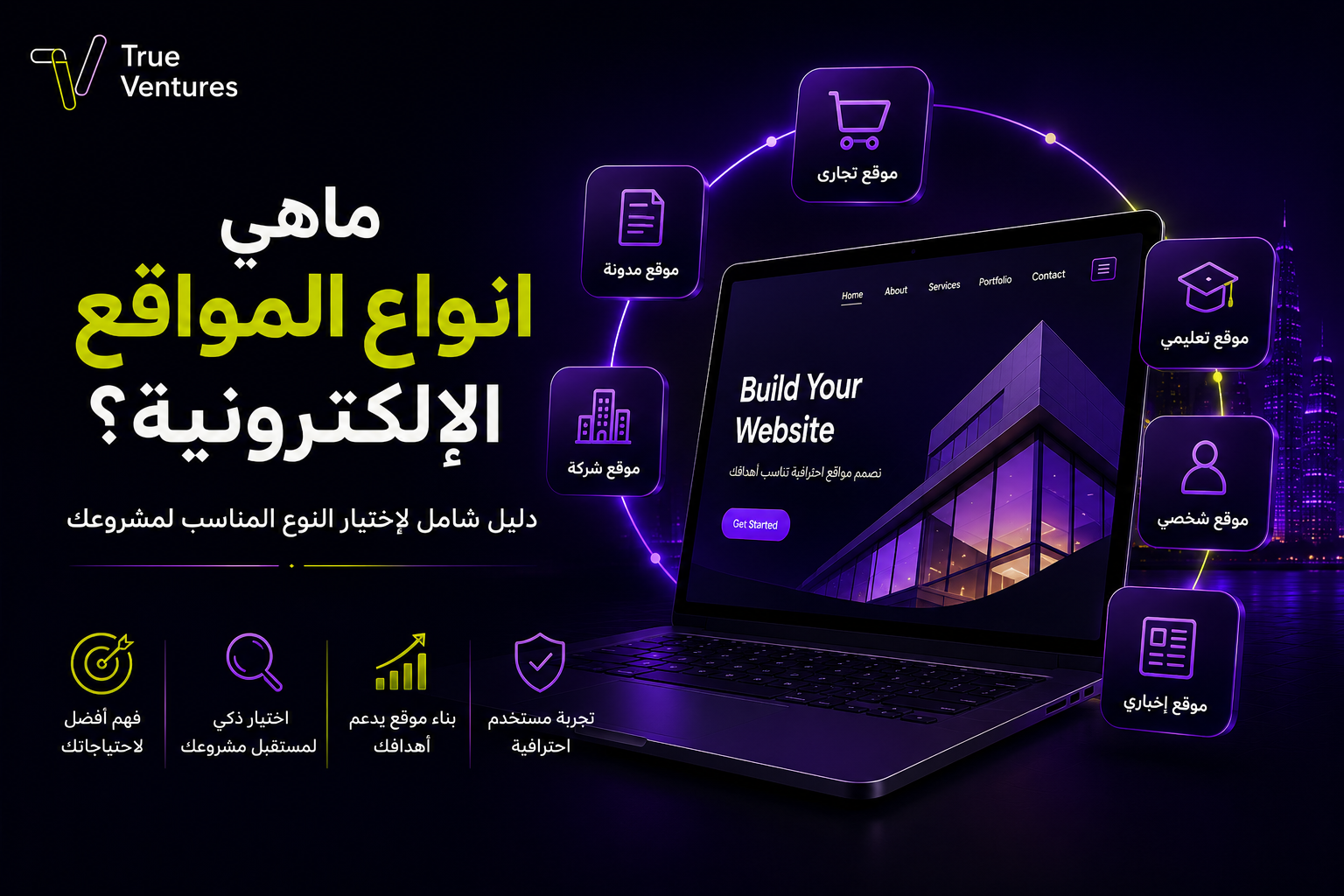
Choosing between the different types of websites, from online stores and company sites to blogs, learning platforms and service portals, shapes everything your business can do online. Get to know what each type offers so you can pick the website that best fits your project’s goals.
What Are the Main Types of Websites?
A website is a set of linked pages reached through a specific domain name, used to present information, deliver services, sell products or communicate with users. Types of websites differ according to their purpose, their audience and the functions they provide.
Here are the most important types of websites and what they are used for:
1. Corporate Websites
A corporate website is a business’s official storefront online, presenting information about the company, its services, expertise, projects and contact details.
This type suits companies, organisations and service providers that want to build a professional digital presence and strengthen customer trust. It can include pages such as About Us, Services, Our Work, Blog, FAQs and Contact Us.
2. Online Stores (E-commerce Websites)
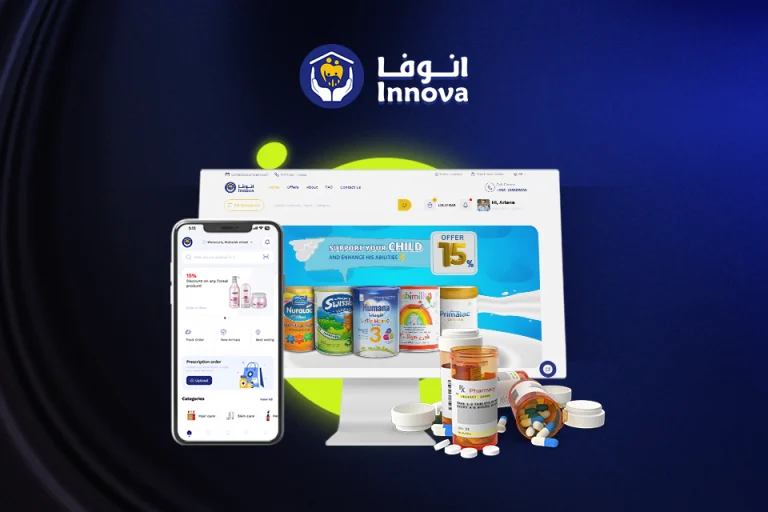
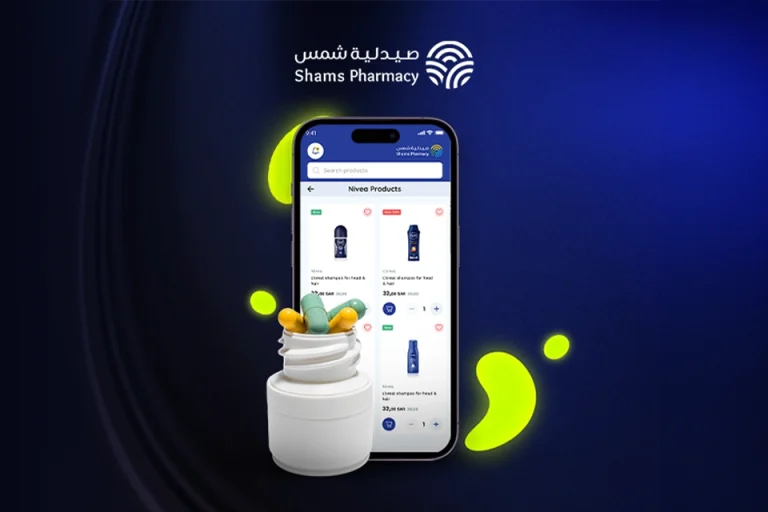
An online store is a website built to sell products or services on the internet. It usually includes product categories, product detail pages, a shopping cart, online payment, and order and inventory management.
Professional stores need a clear user experience, a secure payment system, fast loading and a mobile-friendly design, because any friction in the buying process can make a customer leave before completing the order.
3. Blogs and Content Websites
Blogs are used to publish articles, guides and information on a regular basis. A blog can stand alone or be part of a company website or online store.
This type helps educate your audience, establish expertise in your field, answer customer questions and target keywords in search engines. That is why a blog is a key tool in SEO and content marketing strategies.
4. News and Media Websites
News websites publish news, reports, articles, interviews and video content. They depend heavily on constant updates, easy categorisation of stories and fast content delivery.
A news website needs a flexible content management system, an internal search engine, clear sections and the capacity to handle very high traffic.
5. Educational Websites and E-learning Platforms
Educational websites deliver lessons, courses, tests and training materials online. They are used by schools, universities, training centres and independent trainers.
An e-learning platform may include student and trainer accounts, virtual classrooms, certificates, online exams, progress tracking and a subscription or pay-per-course system.
6. Government and Public Service Websites
Government and service websites make it easier for individuals and organisations to access official services and information. They may let users submit applications, book appointments, upload documents, pay fees and track the status of their transactions.
This type demands a high level of security and privacy, together with ease of use, accessibility and integration with a range of systems and databases.
7. Social Networks and Online Communities
These websites let users create accounts, publish content, comment, interact and form communities around shared interests.
Social platforms need a scalable technical architecture, an advanced system for managing accounts and permissions, content moderation tools and strong protection of user data.
8. Portfolio Websites
Designers, photographers, developers, engineers and freelancers use portfolio websites to present samples of their projects and experience professionally.
This type focuses on high-quality visual presentation, easy browsing of projects and showcasing skills and results, with a direct way to request a service or get in touch.
9. Booking and Service Websites
These websites serve sectors such as hotels, clinics, restaurants, salons, consultancies and events. They let customers choose the service, time and branch, then confirm the booking or pay the fee.
The website may need calendar integration, reminder messages, appointment management, and set working hours and capacity for each service provider.
10. Web Portals and Online Platforms
An online platform is more complex than a corporate website, because it runs end-to-end processes between more than one group of users, such as customers, service providers and administrators.
Examples include recruitment, real estate and professional services platforms, as well as multi-vendor marketplaces. They usually include accounts, permissions, admin dashboards, payments, reports and rating systems.
11. Landing Pages
A landing page is designed to achieve a single marketing goal, such as capturing customer details, registering for an event, requesting a quote or buying a specific service.
It stands out with a clear message, a focused offer, a short form and a direct call to action, which is why landing pages are widely used with ad campaigns to lift conversion rates.
12. Personal Websites
Personal websites present a CV, achievements, experience, ideas and contact details. They suit experts, writers, speakers, consultants and researchers.
A personal website helps build your professional identity and control how your expertise is presented, instead of relying entirely on social media accounts.
Benefits of Having a Website
A professional website gives individuals and organisations a range of advantages, including:
- Information and services available to customers around the clock.
- Greater trust in and credibility for your brand.
- Reach a wider audience without being tied to one location.
- Present products and services in an organised way.
- Support your visibility in search engine results.
- Create a direct channel for orders and enquiries.
- Collect data that helps you understand customer behaviour.
- Integrate with payment, booking and customer management systems.
- Own a digital asset whose content and data you control.
- Support ad campaigns and measure their results more accurately.
Disadvantages of a Website
The drawbacks of a website rarely lie in owning one; they usually stem from weak planning, execution or management. The main challenges include:
- An upfront cost for design, development and hosting.
- The need to update content and software regularly.
- Exposure to security risks if protection is neglected.
- Poor results if the website is slow or hard to use.
- The need for ongoing marketing to attract targeted traffic.
- The need for compatibility with different phones and browsers.
- The need for technical support to fix faults and apply updates.
You can minimise these challenges by choosing a specialist company, defining the project scope precisely, using a secure and scalable technical architecture, and setting a clear plan for maintenance and improvement after launch.
Why Websites Matter
Websites matter because they are the central hub connecting a business with its customers, services and marketing channels. A website does more than present company information: it can take orders, qualify leads, handle sales and bookings, and provide support.
It also puts you in front of people who are searching for your products or services right now. When it combines useful content, a smooth user experience and solid performance, it becomes a powerful tool for building trust and turning visitors into customers.
What Are Websites Used For?
Websites are used across many areas, including:
- Introducing companies, organisations and services.
- Selling products, services and subscriptions.
- Publishing articles, news and research.
- Delivering courses and online exams.
- Booking appointments, events, rooms and services.
- Completing government and service transactions.
- Showcasing projects and professional experience.
- Providing support and customer service.
- Building communities and interactive platforms.
- Running internal operations through employee and customer portals.
- Collecting contact requests, quote requests and consultation bookings.
- Operating platforms that connect service providers with beneficiaries.
Why Your Business Needs a Professional Website
Being on social media is no substitute for owning a website. External platforms control how you reach your audience, whereas a website gives you your own digital space that you can manage and develop around the needs of your business.
A professional website works as a digital sales representative that never clocks off: it explains your services, answers questions, showcases your work and takes orders. It also gives customers the chance to check your expertise before they get in touch or buy.
Looking good is not enough. A website must be fast, secure and easy to use, with a clear structure, persuasive marketing messages and well-placed calls to action.
How Do the Different Types of Websites Compare?
The main differences between websites come down to purpose, functionality and level of interaction:
| Website Type | Main Goal | Key Functions |
| Corporate website | Introduce the business | Present services, work and contact options |
| Online store | Direct sales | Products, payment, orders and inventory |
| Blog | Share knowledge and attract traffic | Articles, categories and search |
| Educational website | Education and training | Lessons, tests and progress tracking |
| Booking website | Organise appointments | Calendar, booking, payment and alerts |
| Portfolio | Prove expertise | Showcase projects and work samples |
| Landing page | Drive one specific conversion | Focused offer, form and call to action |
| Online platform | Run a multi-party process | Accounts, permissions, payment and ratings |
| Government website | Deliver official services | Applications, transactions, verification and tracking |
How to Choose the Right Type of Website for Your Project
Start by defining the outcome you want. If your goal is to present your company and its services, a professional corporate website may be enough. If you want to make sales online, you will need a full online store. And if your project connects users with service providers, an online platform may be the right solution.
Before design begins, answer these questions:
- Who is your target audience?
- What is the main task users will come to do?
- Does the website need payments, bookings or account registration?
- Who will manage the content and orders?
- Which systems need to be connected to the website?
- Do you expect the number of users to grow in the future?
- What level of security and access control is required?
- How will results be measured after launch?
These answers help you define the right features, cost, timeline and technical architecture, and stop you from adding features that do not serve the project’s real goal.
Talk to True Ventures About a Website That Grows Your Business
Knowing the different types of websites is the first step, but success starts with choosing the type that serves your business model and gives users an easy, secure experience.
At True Ventures, we work with a Saudi technology vision that brings together analysis, design, development, testing, launch and growth. Every project begins with understanding your business, your market and your users, then turning your requirements into a robust, scalable website or digital platform.
Whether you need a corporate website, an online store, a service platform or an enterprise portal, the True Ventures team will help you build a digital solution that delivers real value today and is ready for tomorrow’s growth. Talk to True Ventures and start your journey from idea to a successful digital product built to scale.
Frequently Asked Questions About Types of Websites
What Are the Most Common Types of Websites?
The most common types are corporate websites, online stores, blogs, news websites, educational platforms, government websites, booking websites, portfolios and service platforms.
What Is the Best Type of Website for a New Business?
It depends on your goal. A corporate website suits service businesses, an online store suits businesses that sell directly, and a landing page suits campaigns focused on a single service or offer.
What Is the Difference Between a Website and an Online Store?
A website is a broad concept that may aim to introduce a business, publish content or deliver services. An online store is a type of website dedicated to selling, with products, a shopping cart, payment and order management.
What Is the Difference Between a Website and an Online Platform?
A website presents information or provides specific functions, while a platform manages end-to-end interactions and processes between several parties, and usually needs accounts, permissions and admin dashboards.
Can One Website Combine More Than One Type?
Yes. You can build a company website that includes an online store, a blog and a booking system at the same time, provided the features are well organised and the site stays easy to use and fast.
Does Every Business Need an Online Store?
No. Companies that do not sell directly may need a corporate website, or a platform for booking services and receiving quote requests, rather than a full online store.
How Long Does It Take to Design a Website?
It depends on the number of pages, features and integrations. A corporate website is simpler and quicker to build than a store or platform with accounts, payments and multiple permission levels.
What Makes a Website Successful?
A clear goal, easy navigation, fast loading, mobile compatibility, quality content, strong security, clear calls to action and continuous performance measurement.
Turn this guide into a plan.
Tell us where you are today. Our team will map the next steps with you.
The quickest way
Have a question? Ask us on WhatsApp.
Tell us what you are planning and our team will point you to the right people — no form to fill in.
We usually reply within minutes during working hours.