






iPhone App Design: How to Build a Professional App Users Love
Got an app idea with real potential? Successful iPhone app design starts long before code: with your users, a simple experience and an app built to be fast, stable and ready to grow.

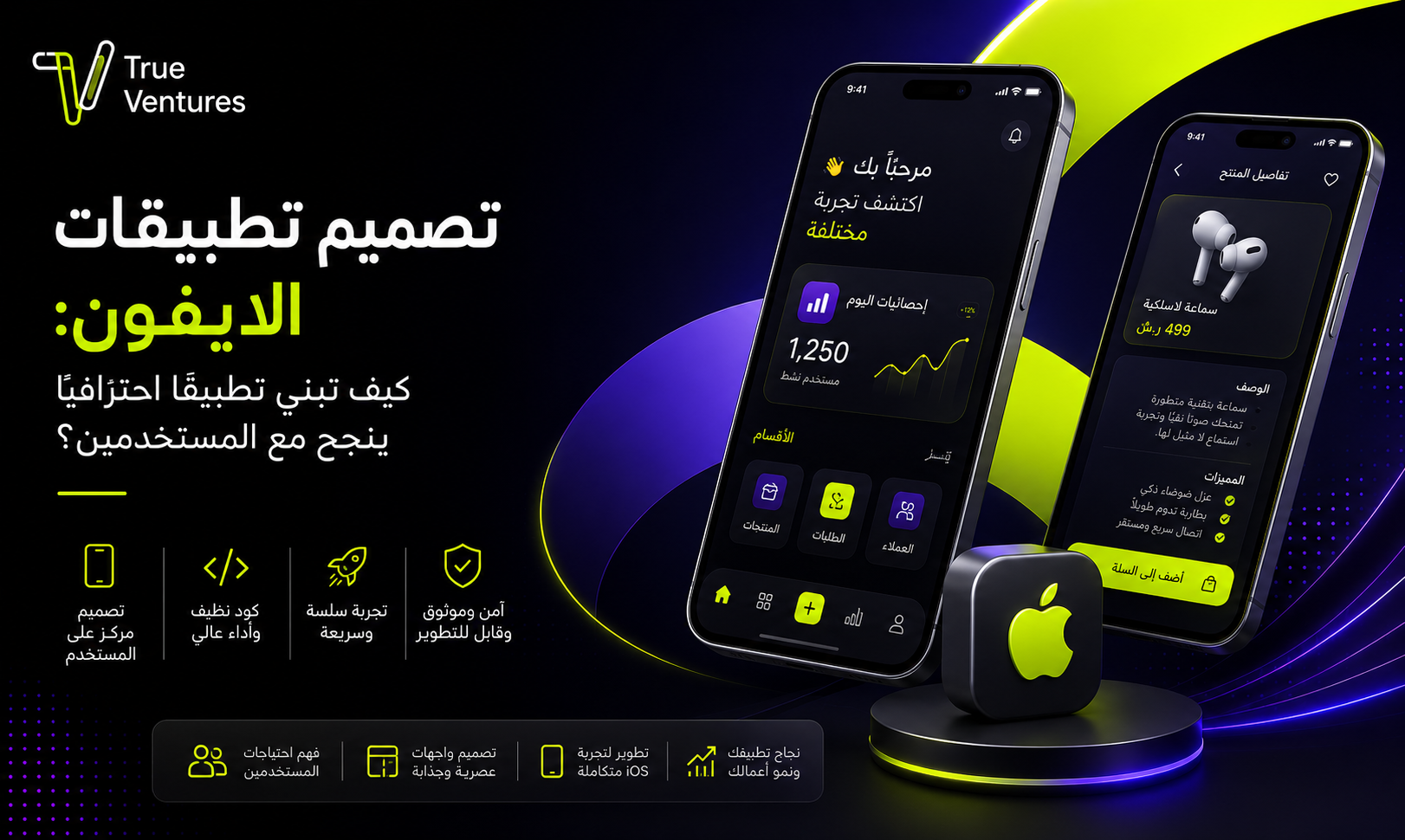
Do you have an app idea you believe could become a successful business? The real starting point is not writing code. It is understanding your users, designing an effortless experience and then building an app that is fast, stable and ready to grow. That is why professional iPhone app design is the essential step that turns an idea into a digital product able to compete and deliver on your business goals.
A successful iOS app is about more than attractive screens. It needs a carefully planned user experience, fast performance, a scalable technical architecture, rigorous testing and a clear plan for updates and improvements after launch.
In this guide, we cover the key factors every entrepreneur should understand before starting to design and develop their app.
Why a UI/UX Designer Matters for iPhone Apps
One common mistake business owners make is treating app interface design as a cosmetic stage that comes after the features are decided. In reality, UI/UX design for iPhone apps directly shapes how customers use your product and how easily they reach what they want.
UI stands for User Interface: the visual elements users interact with, such as colours, buttons, icons, fonts and menus.
UX, or User Experience, covers the user’s entire journey inside the app. Do they understand what to do? Can they sign up, buy or book easily? Are there unnecessary steps that confuse them?
What Does a UI/UX Designer Do Before Development Starts?
A professional design process usually begins by understanding the project idea, the target audience and the product goals, then moves through stages such as:
- Analysing user needs and behaviour.
- Mapping the user journey inside the app.
- Creating structural screen layouts (wireframes).
- Designing the user interface, colours and icons.
- Building an interactive prototype that simulates the app experience.
- Reviewing the design before moving into development.
The design should also follow Apple’s own app design guidance, available in the Apple Human Interface Guidelines, so the experience matches the patterns Apple device users already know.
Tip for business owners: Do not wait until development is finished to discover that the user journey is too complicated. Testing a prototype early can reveal problems with navigation, sign-up or key actions before you invest time in building them.
What Challenges Will You Face When Building an iPhone App?
An app idea can look simple at first, but moving from idea to a product people can use involves a series of technical and business decisions. Successful iPhone app design depends on preparing for these challenges early.
1. Turning the Idea into Clear Requirements
Statements such as “I want a delivery app” or “I need a booking platform” are not enough to start development.
You need to define the user types, core features, permissions, payment methods where needed, notifications, admin dashboards, third-party integrations and more.
This is where project analysis and requirements preparation come in, such as an SRS and BRD for projects that need detailed documentation.
2. Choosing the Right Features for Version One
Adding a long list of features from day one can raise costs and extend development time, with no guarantee that users actually need them.
For entrepreneurs, it is often better to define an MVP – Minimum Viable Product that delivers the product’s core value, then develop it further based on usage data and customer feedback.
3. Compatibility with iOS and Apple Devices
The app should be tested across different scenarios and screen sizes to make sure the design adapts correctly, and it must handle operating system updates properly.
4. Protecting User Data
Security is not an optional extra, especially when your app handles personal data or sensitive transactions.
Plan from the start for permission management, protection of communications and data, sign-in mechanisms, secure APIs, and development and testing practices suited to the nature of the project.
5. Preparing for App Store Requirements
Launching an app does not end when the coding is done. You also need to prepare for Apple’s app publishing requirements and App Store policies.
Business owners can review the official App Store Review Guidelines to check the latest requirements before launch.
Does an iPhone App Need Ongoing Updates?
Yes, but “ongoing” does not mean releasing updates for the sake of it.
Once the app is live, the project team starts receiving real data on how customers use the product, and that reveals improvement opportunities that were not obvious during planning.
An app may need updates to:
- Fix technical bugs.
- Improve performance and stability.
- Stay compatible with new iOS versions.
- Enhance the user experience.
- Address security issues.
- Add features customers need.
- Streamline the sign-up, purchase or booking journey.
- Support business growth and a rising number of users.
This is a key reason to choose a development company that does not see your project as “an app that gets delivered and that is that”, but as a digital product with a clear life cycle.
At True Ventures, our methodology runs from analysis, design, development and testing to launch and follow-up, then into the growth stage with data-driven improvement.
The goal is to build a product that serves the project’s current needs while staying ready for new features and future expansion.
How Does App Speed Affect Your Project’s Success?
- Imagine a customer sees an ad for your business, downloads the app and then has to wait every time they open a screen or complete an action.
- However attractive the design, slowness can quickly turn into a frustrating experience.
- That is why iPhone app performance is a core part of the user experience, not just a technical metric for developers.
Why Does Speed Matter?
- Because users expect a clear, fast response when they tap, navigate or search. Every unjustified delay adds friction to the journey.
- It matters even more for apps built around repeated actions, such as:
e-commerce, bookings, on-demand services, operational platforms and apps with constantly updated data.
What Makes an App Slow?
- Poor performance can come from many factors, such as unoptimised images and files, slow API calls, loading more data than needed, poor resource management, a weak back end, or a lack of proper performance and load testing.
- That is why performance should be seen as the result of the whole system, not the responsibility of the app’s front end alone.
- Practical tip: Before launch, test the most important user journeys under different conditions, monitor response times and errors, then fix the bottlenecks before you put a large budget into marketing campaigns.
- Bringing thousands of users to an unstable app can waste part of your customer acquisition spend instead of turning them into active users.
How to Start Designing an iPhone App the Right Way
If you are a business owner, your first question should ideally not be “How much will the app cost?”
Start with these questions instead:
What problem does the app solve?
There must be clear value for the user.
Who is the target user?
An app built for businesses has different journeys and functions from one built for consumers.
What are the core functions?
Identify the features without which the product cannot deliver its value.
How will the project achieve its business goals?
The goal might be selling products, subscriptions or bookings, improving your organisation’s operations or offering a new digital service.
What happens when the app grows?
Discuss scalability from the start, especially if your plan targets a growing number of users or expansion into new services and markets.
These questions help your iPhone app design and development team make decisions tied to your business goals, instead of building a collection of disconnected screens and features.
Why Choose True Ventures to Design and Develop Your App?
At True Ventures, product development does not begin with writing code. It begins with understanding your business, your users and your project requirements.
As a company, True Ventures is a Saudi technology company that enables digital transformation for businesses and organisations and builds digital products and platforms designed to grow and scale.
Its methodology combines technical expertise, user experience design, project management and software development, always with the product’s business results in mind.
Projects move through an integrated methodology that includes:
Analysis and research → UX and design → Development → Testing → Launch and follow-up → Growth and optimisation.
True Ventures also delivers mobile app development using native and Flutter technologies according to each project’s requirements, alongside systems and digital platform development, experience and digital identity design, enterprise solutions and digital growth services.
The company’s delivery experience is backed by a regional technology base that expanded through the acquisition of Al Alamia Al Hurra, a company with experience in the Saudi, Egyptian and UAE markets.
The company is also proud to hold international certifications including ISO 9001, ISO 27001 and ISO 20000-1, reflecting its commitment to quality, information security and IT service management.
Turn Your App Idea into a Product Built to Grow
A good idea deserves execution that matches its ambition.
If you are thinking of launching a new app, do not settle for simply having an app on the App Store. Aim to build a fast, easy-to-use, secure and scalable digital product that serves your customers and supports your business growth.
The journey starts with analysing the idea and understanding the user, then designing a professional UI/UX experience, followed by development, testing and launch. After that comes a stage that is just as important: measurement, optimisation and growth.
This is the vision True Ventures stands for: taking clients from a simple idea to a working product, and then to a digital business with everything it needs to scale and grow.
Questions and answers
01What is iPhone app design?
iPhone app design is the process of planning and building the experience and interfaces of an app that runs on iOS. It covers user research, wireframes, UI design and an interactive prototype, then turning the design into a working app and testing it before launch.
02What is the difference between UI and UX in iPhone apps?
UI is about the app's visual appearance, such as colours, buttons, fonts and icons, while UX is about the complete user experience and how easily people complete tasks and move between screens.
03How long does it take to design and develop an iPhone app?
There is no fixed timeline for every app. It depends on the size of the project, the number of features and integrations, design complexity, the back end and the testing stage. That is why the timeline should be estimated after analysing the requirements, not based on the number of screens alone.
04Can I build an app that works on both iPhone and Android?
Yes. Apps can be developed natively for each platform, or with cross-platform technologies such as Flutter when they suit the project's requirements. The best choice depends on the features, the performance you need, your budget and your expansion plan.
05Does an iPhone app need maintenance after launch?
Yes. An app usually needs ongoing monitoring of bugs, performance, security and compatibility with system updates, as well as the improvements and features that become necessary once you analyse how customers use it.
06Is UI/UX design necessary before coding?
A clear UI/UX stage before development helps define the screens, user journeys and interactions, and lets you test ideas early before investing larger resources in coding.
07How do I choose an iPhone app design company?
Look for a company with a clear methodology that starts with project analysis, with experience in UI/UX, development, testing and security, and the ability to provide support and improvements after the product launches.
08How much does iPhone app design cost?
The cost of designing and developing an app varies with the project scope, the number of features, the complexity of the UI/UX, integration with external systems, the back end, and security and testing requirements. Analysing the requirements first is the most accurate way to get a realistic estimate.
Turn this guide into a plan.
Tell us where you are today. Our team will map the next steps with you.
The quickest way
Have a question? Ask us on WhatsApp.
Tell us what you are planning and our team will point you to the right people — no form to fill in.
We usually reply within minutes during working hours.