







Educational Website Design: From Idea to a Platform Built to Grow
Great content alone no longer wins learners. Success starts with a fast, interactive educational website that makes learning easy, enjoyable and secure from the very first click.

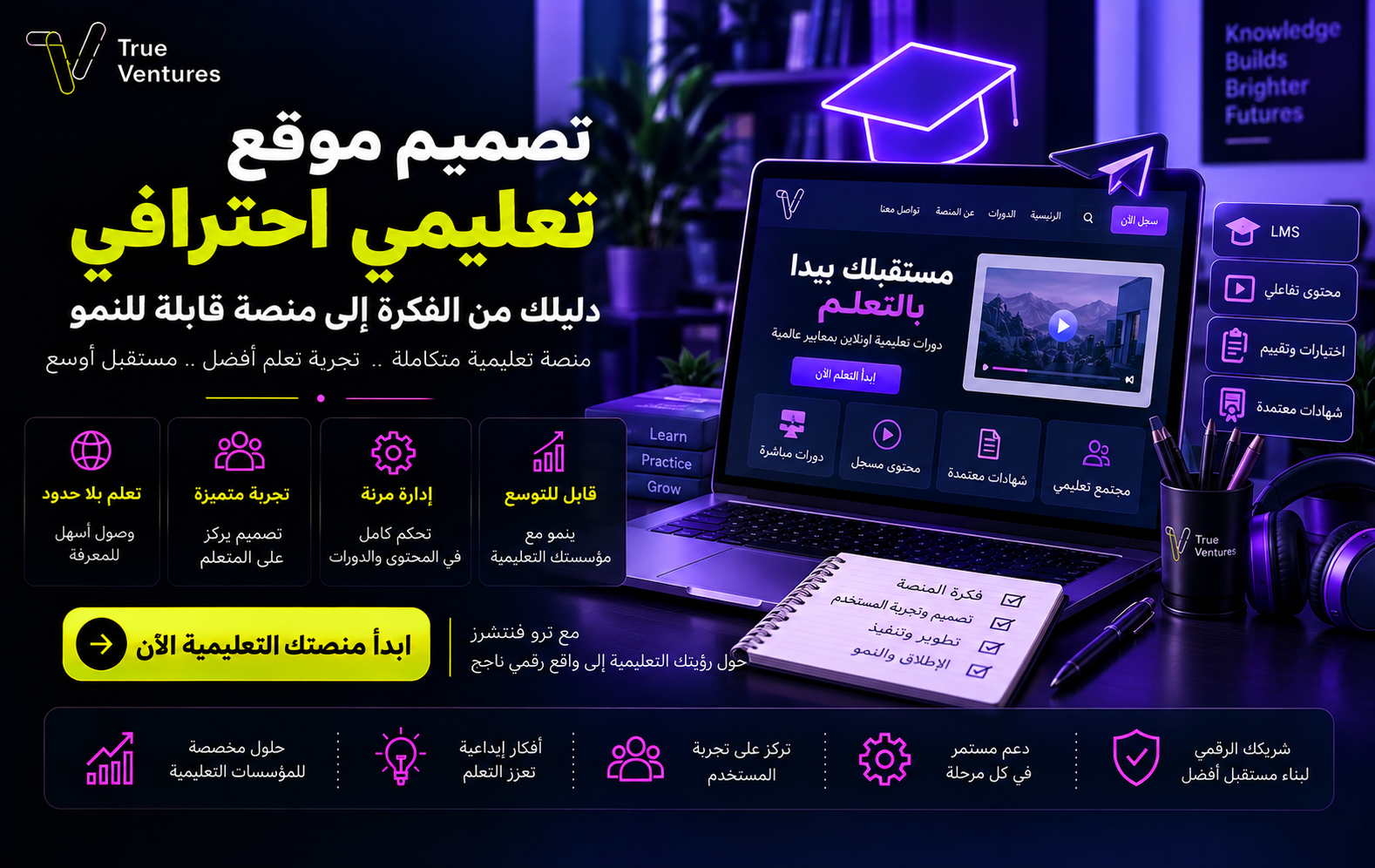
Good content alone is no longer enough to attract learners: success starts with professional educational website design that delivers a fast, interactive platform and makes accessing knowledge easy, enjoyable and secure. Whether you are planning a course platform, a corporate training portal, an online school website or a complete learning system, the decisions you make at the planning stage directly affect enrolment rates, lesson completion, user satisfaction and your project’s ability to grow.
In this guide, you will learn the steps to design an educational website, the specifications it needs to succeed and the pages it should include, along with practical tips to help you turn your idea into an effective, scalable digital product.
Why Professional Educational Website Design Matters in the E-Learning Era
E-learning has become an essential way to access knowledge and training without being tied to a place or a timetable. But putting content online doesn’t guarantee a successful learning experience: a slow website, a complicated sign-up or lessons that are hard to reach can drive users away before they even start learning.
Professional educational website design helps you:
- Reach more students and trainees.
- Deliver content around the clock on any device.
- Organise courses, lessons and tests in one unified environment.
- Track learner progress and measure achievement.
- Cut some operational and administrative costs.
- Build a revenue stream from subscriptions or course sales.
- Strengthen your institution’s credibility and digital image.
- Support growth by adding new programmes, trainers and user groups.
A successful website is more than an attractive interface. It is a system that brings together content, user experience, administration, performance, security and data analysis.
How to Design an Educational Website Step by Step
1. Define Your Goal and Target Audience
Start by defining the core purpose of the project. Do you want to build a digital academy, a paid course platform, an internal training portal or a website for an educational institution?
Next, define your users and their needs: their age, technical ability, language, the devices they use and the problems they want to solve. Designing a platform for children is very different from designing a portal for employee training or professional qualification.
2. Analyse Requirements and the Business Model
Draw up a clear list of the features you need, such as user registration, video playback, tests, certificates, online payment, live classes, notifications and reports.
You also need to define your revenue model: single course purchases, recurring subscriptions, corporate memberships or free content that supports paid services. These decisions help you set the project scope, budget and development priorities.
3. Choose Your Domain and Hosting
Pick a short domain name that is easy to type and remember and linked to your educational brand. Your hosting should offer good speed, backups, data protection and the capacity to handle growing numbers of users and video views.
4. Build the User Experience
Map out the learner’s journey from the moment they land on the website through sign-up, course purchase, starting a lesson and earning a certificate. Every unclear step can lower conversions or push users to abandon the platform.
It pays to build an interactive prototype before development to test menus, page order, sign-up buttons and the learning path, without spending time building features that may need to be redesigned.
5. Design the Visual Interface
The interface should reflect your project’s identity, with comfortable colours and fonts, generous white space and clear elements. Make sure courses, expected outcomes and key action buttons stand out without visual clutter.
6. Development and Integration
Next comes building the interfaces and admin dashboard and connecting payment, notification, video and analytics tools. Ideally, the website should be built on a technical structure that lets you add a mobile app or advanced features later without rebuilding the platform from scratch.
7. Testing and Launch
Before launch, test the website on phones, tablets and computers, and check sign-up, payment, lesson playback, tests and notifications. You should also run performance, security and load tests, then roll the platform out gradually and monitor how users behave.
Key Specifications of a Successful Educational Website
Designing a successful educational website calls for a set of integrated specifications. The most important are:
- Ease of use: students know their next step without lengthy explanations.
- Device responsiveness: pages and lessons work smoothly on phones and computers.
- Fast loading: images and files are compressed and video playback is optimised to cut waiting time.
- Search and categories: courses can be found by topic, level or trainer.
- Data protection: secure accounts, payments and content access permissions.
- Accessibility: clear contrast, alt text for images and video subtitles where possible.
- A flexible admin dashboard: easy management of courses, users, orders and reports.
- Progress tracking: completed lessons, results and completion rates are clearly shown.
- Scalability: the platform handles more learners and content without a drop in performance.
- Search engine readiness: headings, internal links and page metadata are clearly organised.
Types of Educational Website Design
You can choose the type of educational website design that fits your business and audience:
Course Sales Platform
Ideal for trainers and academies, it includes a course catalogue, a details page for each course, payment, a student account and certificates.
Educational Institution Website
Used by schools, institutes and training providers, it focuses on programmes, news, timetables, registration and contact with the administration.
Corporate Training System
It offers learning paths for employees, with multiple permission levels, performance reports, compliance tracking and completion of mandatory programmes.
Interactive Learning Platform
It relies on quizzes, tasks, points, badges and discussions to boost engagement and motivate learners to keep going.
Live Learning Platform
It combines session booking, live classes, recordings and assignments, while organising trainer and learner schedules.
Benefits of a Successful Educational Website Design
A carefully designed website delivers value that goes far beyond publishing lessons. It gives learners an organised experience, helps management make data-driven decisions and gives the project a technical foundation that can grow.
Its main benefits include:
- More enrolments, thanks to a clear value proposition and simple steps.
- Higher course completion rates through an organised learning path.
- A personalised experience based on each user’s level and interests.
- A learning community built through reviews and discussions.
- Sales, performance and engagement tracked from one dashboard.
- A stronger brand and greater trust in its services.
- The option to add new programmes or markets in the future.
Essential Pages for an Educational Website
Home Page
It explains the platform’s value at a glance and showcases featured courses, categories, learning benefits and testimonials, with a clear call to sign up.
Courses Page
It lists programmes with useful filters such as subject, level, duration and price.
Course Details Page
It includes the course description, learning outcomes, content, duration, prerequisites, trainer, price and frequently asked questions.
Lesson Page
It brings video or text, files and tasks together in a distraction-free interface, showing progress and the next lesson.
Student Account
It displays enrolled courses, progress, results, certificates, invoices and notifications.
Trainers Page
It presents trainers’ experience, specialisms and programmes, building trust in the content.
Support and Policy Pages
These include contact, FAQs, technical support, and privacy, terms of use and refund policies, depending on the nature of the platform.
Tips for Designing a Professional, Effective Educational Website
- Start with a clear version you can build on: launch the core features first, then develop them based on real usage data.
- Break content into short modules: focused lessons are easier to follow, especially when learning on a phone.
- Keep sign-up short: ask only for essential information and make clear what users get once they register.
- Use specific calls to action: such as “Start the course” or “View the programme content” rather than generic phrases.
- Add motivating elements: progress bars, certificates, reminders and short quizzes help keep learners engaged.
- Monitor the metrics that matter: track enrolments, lesson completion rates, drop-off points, recurring questions and page speed.
- Invest in SEO: use the phrase educational website design naturally, organise your headings, write a unique description for every course, and optimise images and site speed.
- Plan for security from day one: define permissions, backup procedures, data encryption and how to respond to any unauthorised access attempt.
- Test the platform with real users: watch how they sign up and start a lesson, then fix any sticking points before a wider launch.
Why Choose True Ventures to Design Your Educational Website?
Designing a successful educational website takes a partner who understands technology, the business model and the learner experience all at once. True Ventures works with a forward-looking Saudi vision focused on enabling digital transformation and building operational products designed for growth and investment.
The process begins with analysing the idea, the market and the users and documenting requirements, followed by designing the user experience and interactive interfaces, then development and comprehensive testing for performance, security and compatibility. After launch, monitoring and improvement continue, guided by data and your growth needs.
The company draws on a specialist team and regional delivery experience, with a clear commitment to quality management, information security and IT service management standards. The result is not just a website that lists courses, but a digital platform that serves users today and is ready for tomorrow’s opportunities.
Conclusion
Professional educational website design is an investment in the learner experience and in the future of your entire project. Success starts with a clear goal, runs through a simple user experience and a secure technical architecture, and continues through results analysis and ongoing improvement.
If you have an idea for a digital academy, a course platform or a corporate training system, True Ventures can take it from an early concept to a complete, stable and scalable digital product. Talk to the True Ventures team and start building a learning platform that makes a real impact and gives your project a strong foundation for growth.
Questions and answers
01What is educational website design?
It is the planning, design and development of a digital platform for delivering educational content and managing users, courses, tests, payments and reports, all within an easy and secure experience.
02How long does it take to design an educational website?
It depends on the volume of content and the features and integrations you need. A simple informational website takes less time than a complete platform with online payment, tests, live classes and multiple permission levels.
03How much does it cost to build an educational website?
The cost depends on the project scope, design, number of users, content type, integrations, and security and support requirements. That is why accurate pricing follows a clear analysis of your needs.
04Does an educational website need to work on mobile?
Yes, because a large share of learners use their phones to search and watch lessons. That is why the design must be responsive, fast and easy to use by touch.
05Can I add a mobile app later?
Yes, as long as the platform is built from the start on a flexible technical architecture that allows a mobile app to connect to the same content, accounts and data.
06How can educational content be protected?
Through access permission management, account security, protected content links, backups, monitoring of unusual activity and regular security updates.
07How does an educational website help increase sales?
It helps by presenting the value of your courses clearly, simplifying sign-up and payment, highlighting learner testimonials, offering relevant recommendations and analysing the user journey to fix drop-off points.
08Can the website design be customised to match my brand?
Absolutely. Custom design lets you apply your brand's colours, fonts and visual style while building a learning journey that suits your audience and your project goals.
09Why work with a specialist company?
Because an educational platform combines user experience, development, security, performance, content management and analytics. A specialist team brings all of these together in one product that is ready to run and grow.
Turn this guide into a plan.
Tell us where you are today. Our team will map the next steps with you.
The quickest way
Have a question? Ask us on WhatsApp.
Tell us what you are planning and our team will point you to the right people — no form to fill in.
We usually reply within minutes during working hours.