





Livestock Delivery App Development: Manage Every Order from Selection to Delivery

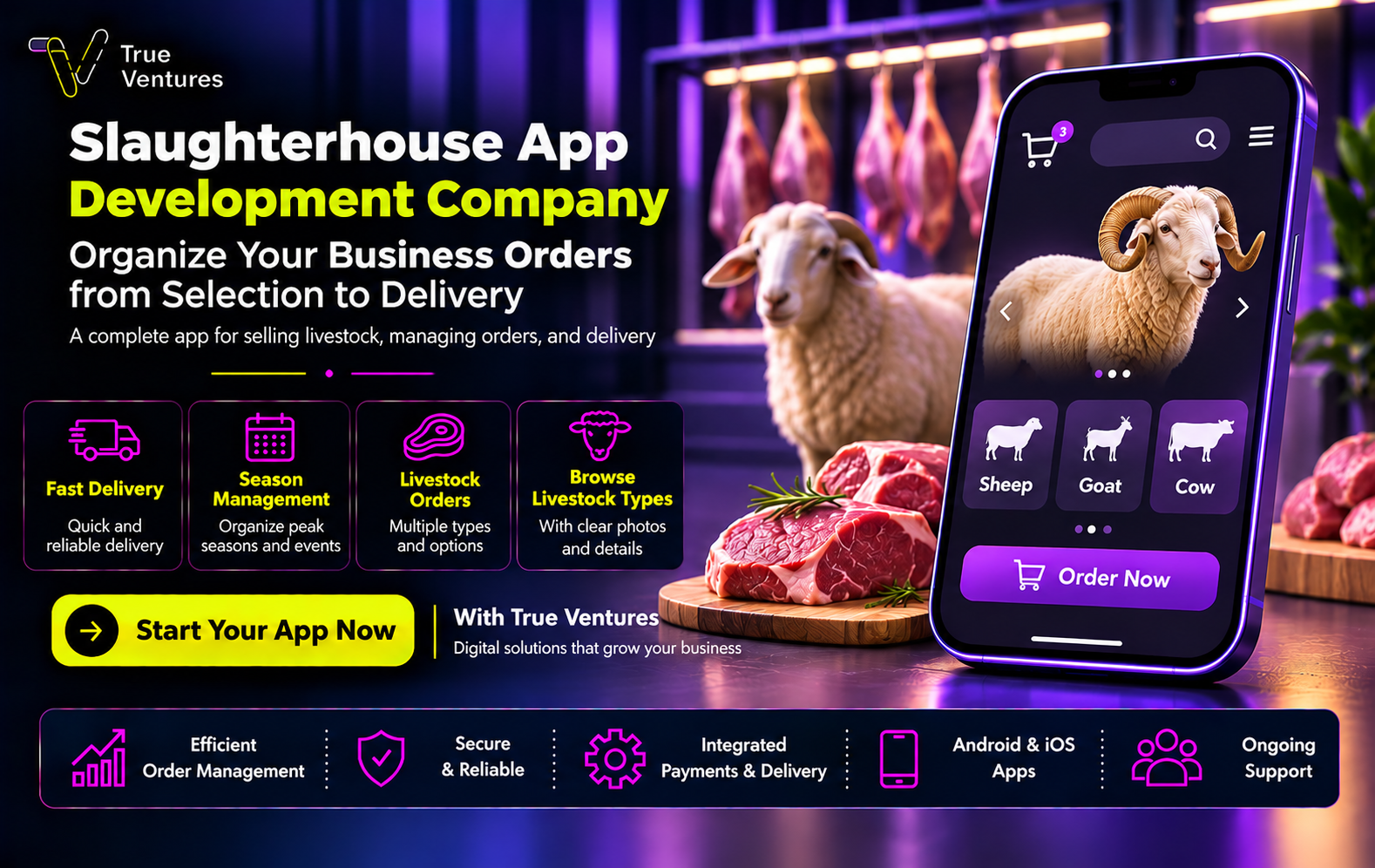
Are growing livestock orders becoming difficult to manage? A livestock delivery app development company can help you organize product selection, processing, and delivery while creating a straightforward shopping experience that supports your business growth.
What Can a Livestock Delivery App Development Company Offer Your Business?
A livestock delivery app development company helps you connect sales, processing, and delivery within one system. Depending on your requirements, this may include a customer app, an administration dashboard, a processing team interface, and a driver app.
Instead of receiving orders and manually forwarding their details, customers select their livestock, specifications, and processing preferences directly through the app. The relevant team then receives the information in an organized format, while administrators monitor orders, payments, inventory, and schedules from one place.
The value extends beyond making purchases easier. Your app can help you identify delays, understand which products attract the most orders, evaluate branch and delivery performance, and make decisions based on operational data.
At True Ventures, livestock app development starts with understanding your business model and how you receive and fulfill orders. We then define the appropriate features and design an experience that helps customers and employees complete each step clearly.
When Does Your Business Need a Custom Livestock Delivery App?
A custom app becomes useful when manual order management leads to missing details or delayed service, particularly as livestock categories, cutting preferences, and delivery schedules become more varied.
Common signs that your business needs an app include:
- Repeated mistakes in addresses or order specifications.
- Accepting more orders than your processing and delivery teams can handle.
- Difficulty tracking inventory across branches or suppliers.
- Frequent customer inquiries about order status.
- A need to organize Eid al-Adha bookings and advance orders.
- Limited visibility into sales performance and cancellation reasons.
Start by identifying the problem with the greatest impact on your operations. If conflicting appointments are the main issue, your first release should prioritize capacity planning and booking management before adding advanced marketing features.
If you are launching a new business, you can begin with essential features serving a limited area, then expand based on actual demand and customer feedback.
What Should You Define Before Developing a Livestock Delivery App?
Clear requirements help you control the project scope, reduce repeated changes, and obtain a development proposal that reflects your business needs.
Your Business Model and Service Areas:
Will you sell livestock from your own inventory or bring together multiple suppliers? Will you work with one slaughterhouse or several processing partners?
Define each party’s responsibilities, the cities and neighborhoods you serve, and how orders are approved and assigned for processing. An app for a single store has different requirements from a platform managing several suppliers and branches.
Product Specifications and Pricing:
Define the available categories, sizes, weights, and pricing method. Clearly explain whether the displayed weight refers to live weight or net meat weight, and whether the price is fixed or adjusted according to the actual weight.
Also specify which slaughtering, cutting, and packaging services are included, which carry additional charges, and how customers approve any price adjustment before fulfillment.
Order and Modification Policies:
Establish clear rules for payments, cancellations, refunds, and substitutions. Define the last stage at which customers can change their cutting preferences or delivery appointment.
A change made before approval differs from one requested after processing begins. The app should display the available options according to the order’s current status and explain the next steps to the customer.
What Are the Essential Features of a Professional Livestock Delivery App?
The most useful features help customers make informed choices and give your team the information needed to fulfill each order accurately.
Detailed Livestock Listings:
Display the available categories, such as Naimi, Harri, Najdi, and Sawakni, alongside the origin, age, and weight recorded for each product.
If you use a description such as “locally raised,” explain what it means on the product page so customers understand what they are purchasing.
Each listing should include clear images, organized specifications, availability, pricing, and included services. Explain whether the photograph shows the actual animal being offered or represents the general category.
Processing and Packaging Options:
Customers should be able to select the required service, slaughter appointment, cutting size, packaging type, and portioning preferences from the options your business can fulfill.
You can also allow special instructions, such as separating specific cuts or dividing the order into several packages, while displaying any additional charges before confirmation.
Provide clearly defined options and prevent customers from combining selections that conflict or are unavailable at the assigned processing location.
Payments and Cost Review:
An order summary should show the livestock price, processing fees, delivery charges, and optional extras before payment.
The system also needs to manage successful payments, failed transactions, and refunds, with each transaction linked to the correct order for easier customer support and financial tracking.
An Administration Dashboard:
The dashboard allows your team to manage orders, stock, suppliers, slaughterhouses, and delivery schedules, with employee permissions assigned according to their roles.
Useful capabilities include:
- Assigning orders to processing teams.
- Updating available quantities for each product.
- Disabling unavailable products.
- Monitoring delayed orders.
- Generating sales and cancellation reports.
- Managing delivery coverage and fees.
The app can also connect with accounting and inventory systems, depending on the software you use and the integrations available.
How Does an Order Move from Livestock Selection to Delivery?
A successful purchasing journey answers customer questions at the right moment and reduces unexpected issues after payment.
The journey usually follows these steps:
- Set the location: Confirm that the customer’s address falls within your service area.
- Select the livestock: Display the category, specifications, availability, and price.
- Customize processing: Choose cutting, packaging, and additional services.
- Choose an appointment: Show time slots that match operational capacity.
- Review and pay: Present the total cost and relevant conditions.
- Process and deliver: Update the order status and notify the customer until delivery is confirmed.
Order confirmation should reserve both inventory and the selected appointment. This helps prevent two customers from purchasing the last available animal or bookings from exceeding your team’s capacity.
The payment process should also handle repeated button presses without creating duplicate orders or charges, and give customers a clear way to return to an order if a transaction fails.
How Can Customers Track Slaughtering, Processing, and Delivery?
Order tracking should reflect actual events recorded by your team, allowing customers to understand what has been completed and what happens next.
Order statuses may include:
- Order received.
- Order confirmed and slaughter scheduled.
- Slaughtering and processing started.
- Cutting and packaging in progress.
- Ready for delivery.
- Out for delivery.
- Delivered.
An authorized employee should update each stage, with the time of the change recorded. Order codes or scanning can help reduce confusion between similar orders.
Practical example: If a customer requests separate packaging for different portions, the processing team sees that instruction and confirms its completion before handing the order to the driver.
Displaying the driver’s location on a map requires an actual connection to the delivery service or driver app. If a delay occurs, the customer should receive an updated arrival estimate and a clear contact option.
How Can the App Manage Eid al-Adha Orders and Peak Seasons?
Seasonal planning starts with determining how many orders your business can fulfill, then allocating them across time slots, locations, and teams. Accepting bookings without capacity limits can lead to delays and complaints.
An Eid al-Adha ordering app can support:
- Advance bookings with clear appointment windows.
- Dedicated seasonal inventory and updated availability.
- Separate capacity limits for each processing location.
- Automatic closure of fully booked slots.
- Waiting lists governed by a published policy.
- Alerts for delayed or unassigned orders.
- Reports that help administrators monitor operational demand.
The number of available animals is only one part of capacity planning. Your processing team may be able to handle additional orders while all delivery vehicles are already booked. Appointment availability should therefore account for the capacity of the connected fulfillment stages.
When offering an Udhiyah service, booking, fulfillment, and authorization rules should be defined in coordination with the relevant authorities, then translated into clear system settings.
Before the season begins, test the app’s ability to handle simultaneous orders and make sure your team has a plan for disruptions and delays.
How Does the App Organize Livestock and Meat Delivery?
The app organizes delivery by linking each order to a service area, appointment, and driver or delivery partner. Fees can be calculated by delivery zone, while assignments can account for location, capacity, and available time.
Useful delivery features include:
- Selecting an address on a map.
- Adding access instructions.
- Assigning orders to drivers.
- Recording collection from the processing location.
- Sending arrival notifications.
- Confirming delivery with a verification code.
- Recording reasons for unsuccessful delivery.
If your operation uses refrigerated vehicles, the system can record vehicle types and support temperature data monitoring when suitable devices and integrations are available. This requires physical equipment; the app alone does not verify that the required transport conditions have been maintained.
You should also define what happens when delivery is unsuccessful: who contacts the customer, how long the attempt continues, and when the order is escalated to management. Clear procedures help your team handle exceptions promptly.
What Are the Stages of Livestock App Development, and How Long Does It Take?
Development follows connected stages, beginning with business analysis and continuing through launch and improvement.
Business Analysis and Requirements:
Your order lifecycle, employee roles, inventory processes, and appointment management are reviewed. The required features and integrations are then documented.
User Experience and Interface Design:
Clear Arabic interfaces help customers select livestock, customize processing, and complete their orders easily. An interactive prototype allows you to review the experience before development begins.
App and Dashboard Development:
Customer, administration, processing, and delivery interfaces are built according to the agreed scope. Required integrations with payment services, maps, and other systems are also implemented.
Testing and Launch:
Testing covers payments, inventory, bookings, permissions, and performance under load. A limited pilot launch and team training can take place before wider order acceptance.
Monitoring and Improvement:
After launch, data is reviewed to identify purchasing difficulties, cancellation reasons, and fulfillment delays. Improvements are then prioritized according to their impact.
The development timeline depends on the approved scope. A single-supplier app serving one city differs from a platform supporting multiple suppliers and cities.
Request a plan with clear deliverables for each stage, and confirm ownership of the source code and accounts, hosting arrangements, and post-launch support and maintenance terms.
Start Your Livestock Delivery App with True Ventures:
A successful livestock delivery app begins with understanding your operations: what customers select, how their orders are prepared, and when you can deliver them. Connecting these details within a clear system makes your business easier to manage and provides data to guide growth.
At True Ventures, we help turn your idea into practical requirements, design an appropriate user experience, and develop an app and administration dashboard that support operations and expansion, with testing, training, and follow-up according to the project scope.
Whether you run an established livestock business or are planning a new venture, you can start by defining your operating model and essential features, then build a development plan around your goals.
Contact True Ventures through WhatsApp or the contact form. Share your business idea and service areas with our team so we can define your livestock delivery app requirements and development plan.
Questions and answers
01How Much Does It Cost to Develop a Livestock Delivery App?
The cost depends on the number of interfaces, features, integrations, and the business model. Request a proposal that separates development costs from hosting, third-party services, maintenance, and updates.
02Can the App Run on Both iPhone and Android?
Yes. Cross-platform or native development can be selected according to performance requirements, budget, and integrations. The appropriate approach is determined after analyzing the project.
03Can I Start in One City and Expand Later?
Yes, provided that regional and branch management are considered when building the system. Start with an area you can serve reliably, then expand according to results and operational capacity.
04Can the App Connect to a Slaughterhouse or Delivery Company?
Yes, when suitable integration methods and permissions are available. Otherwise, a dedicated interface can allow the relevant partner to update orders according to agreed procedures.
05Can Customers Modify Their Orders After Payment?
Modifications can be allowed according to your business policy and the fulfillment stage. Changes before approval differ from changes after slaughtering or processing has started, and the app should explain these conditions clearly.
06How Do I Choose a Livestock Delivery App Development Company?
Choose a company that understands the order lifecycle, clearly defines the scope, provides a user experience prototype, and explains testing, delivery, and support. Ask how it will handle inventory conflicts, booking surges, and payment failures.
Turn this guide into a plan.
Tell us where you are today. Our team will map the next steps with you.
The quickest way
Have a question? Ask us on WhatsApp.
Tell us what you are planning and our team will point you to the right people — no form to fill in.
We usually reply within minutes during working hours.